top of page

ELIZABETH GUARINO
LIGHTING ARTIST & 3D GENERALIST
Dancing Lights
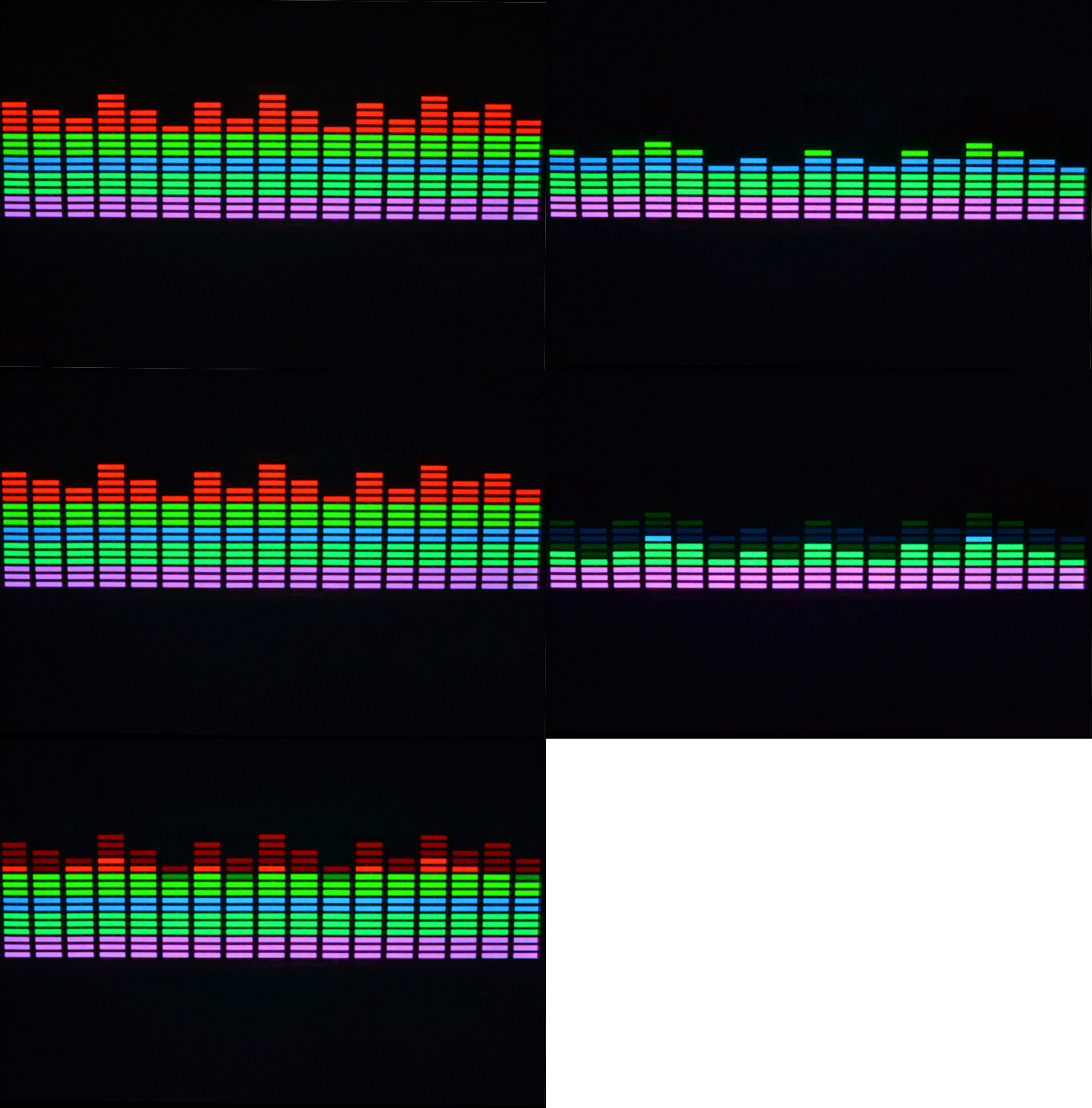
The goal of this project was to use procedural methods to model and animate geometry. The animation should be done by using expressions and functions. So I chose to replicate an art installation I saw online and I used point constraint expressions and chops in Houdini to re-create this art installation. Below is an image of the art installation and my final render in Houdini. Further down on the page is a breakdown of all the nodes I used to obtain this result as well as reference images.
Reference:
Process:
Below is the process of how I integrated chops into my renders
Step one: Import mp3 file into Houdini

Step two: To isolate the various frequency delete one of the two channels that import into Houdini

Step three: Re-sample the audio file to create a more isolated wave for the chops to run off of

Step four and five: Limit the range of the audio node to only have a frequency in positive space. I did this so when I exported the audio file to the size y of my neon lights they would only go up and down and not translate below the base of the light
Step 6: I then followed this same process for the other three neon lights and created more variation by changing the resampling of the audio file to reach different frequencies of the audio to create the music visualizer effect.

Below is the process of how I integrated two-point constraints into my renders
Step 1 and 2: I created a constraint network within the neon tube node network. I connected a constraint to a surface node to constrain the neon light to the handle.

Step 3: I then exported the translation x, y, and z values of the handle to the neon tube to create the desired constraint.

Step 4: I then repeated the same constraint node network to the rest of the neon lights to the rest of the handles. I then created the same constraint node network that would connect the neon tubes and handles to the main structure that would stay static.


Below is the process of how I created the rest of the scene in Houdini
The rotation of the handle was driven by an expression that would have the handles rotate throughout the frame range while the neon lights would change through the chops network. For each handle, I multiplied it by a different number to create more of a variation for the handles over the time of the music. I also transformed the pivot point of the handle for the constraint of the neon light to the handle to operate the way I wanted it to.

Problems and Solutions:
-
One problem that I had was creating the proper variation of the neon tubes to create the music visualizer. I solved this problem by playing with the resample node and isolating the two channels.
-
A second problem I ran into was getting the constraint network to work properly with the
handles. I solved this by moving the pivot point of the handle to one end of the tube for the neon light to connect properly.
bottom of page